Slingo Mobile App UK Download
 Available in GB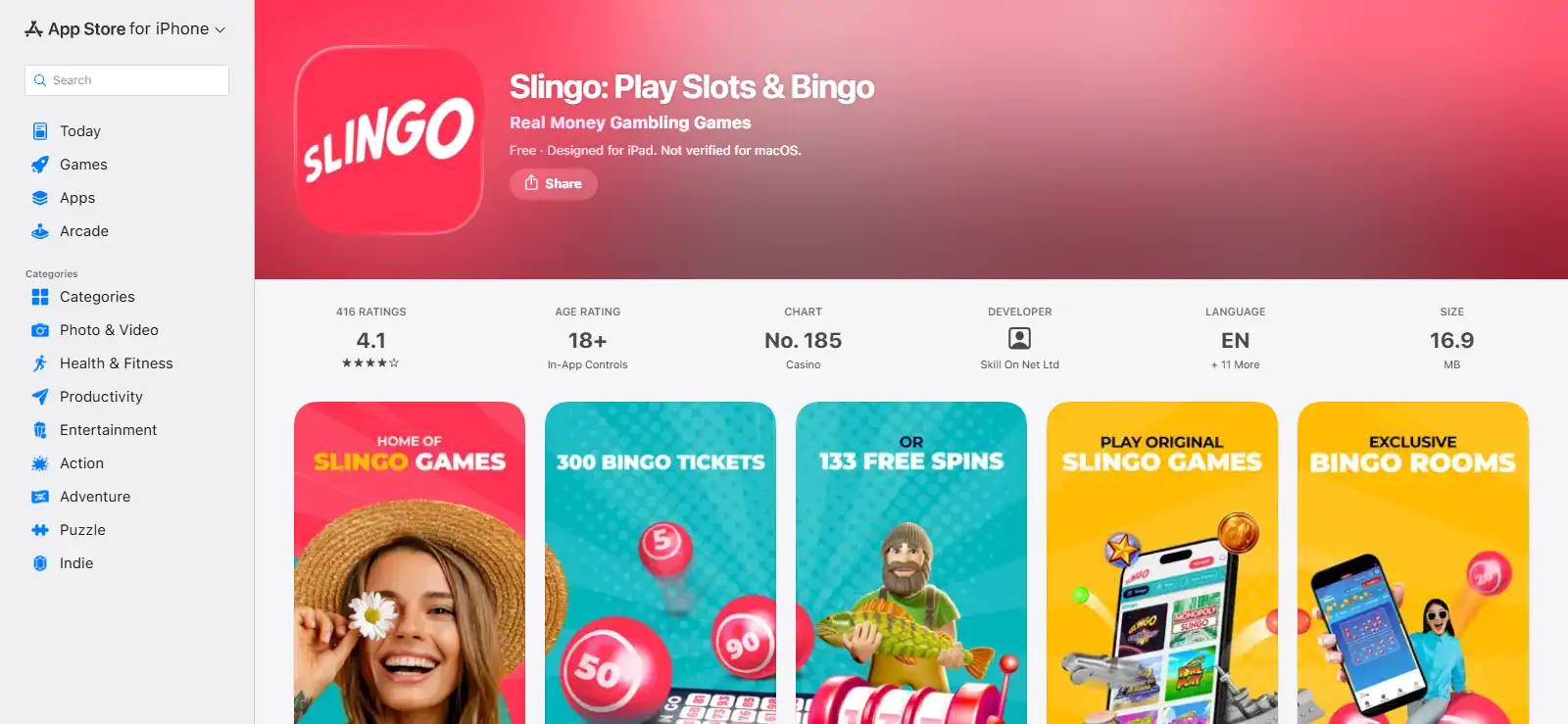
- Slingo App Download for iPhone and Android
- Official Slingo apps at a glance
- Installing Slingo on iPhone or iPad
- Installing Slingo on Android
- What can you play in the Slingo mobile app?
- Slingo Originals make more sense on mobile than a generic casino list
- Native app versus mobile browser
- Mobile payments and account access
- App bonuses: read the offer, not just the store copy
- Usability checks that matter on a gambling app
- Security and publisher checks before installing
- Who is the Slingo app best for?
- Bottom line
Slingo App Download for iPhone and Android
Yes. Slingo has a current UK iOS app in Apple’s GB App Store and an Android app in Google Play for Great Britain. Both official listings identify Skill On Net Ltd as the developer. The iOS listing is rated 18+ and supports iPhone and iPad, while the Google Play listing is also for adults and was updated on 21 April 2026.
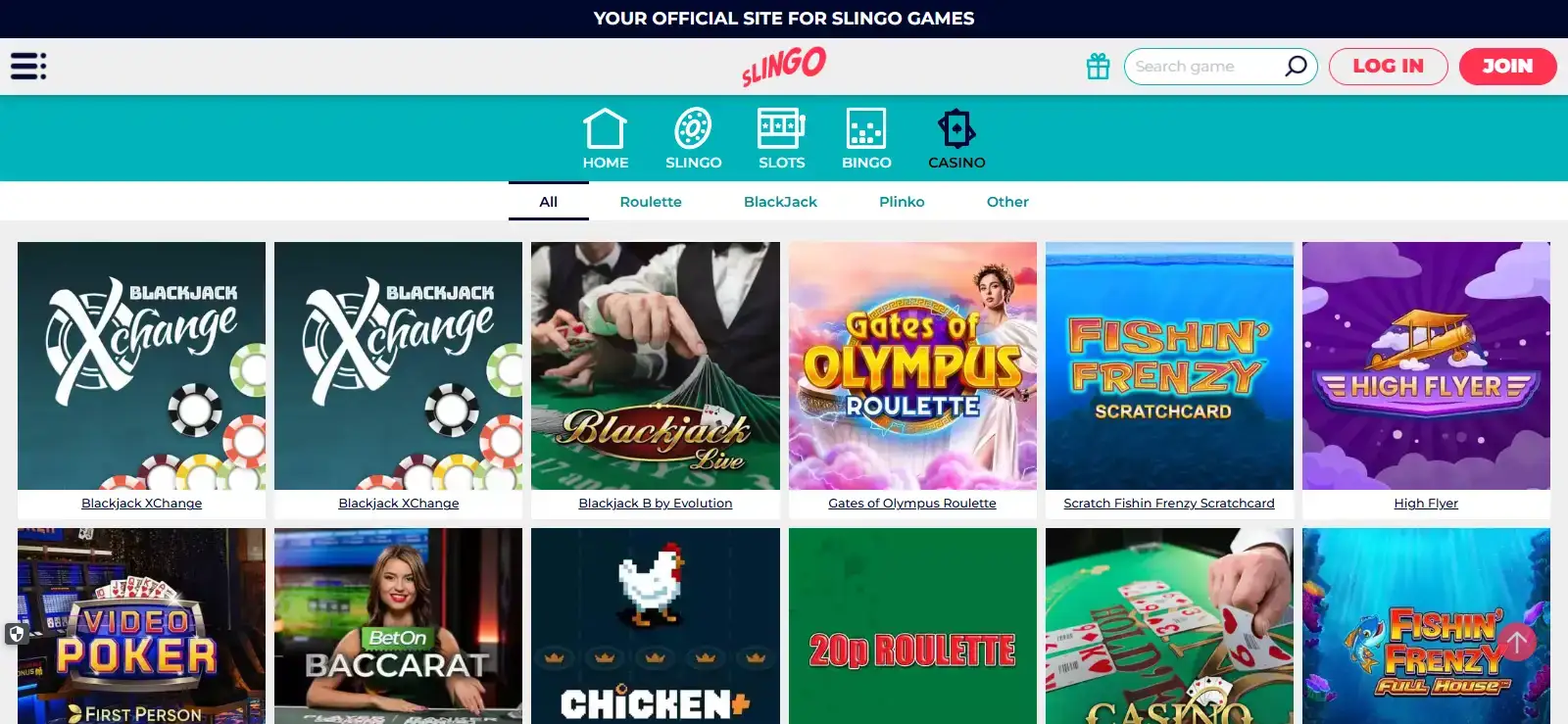
The mobile product is not limited to one type of game. Current official store descriptions show Slingo Originals, slots and bingo, while Slingo’s wider library also includes live casino and table games. That makes the app useful as a compact route into the same broad casino account rather than a separate Slingo-only mini product. Availability of individual titles can differ by device, licensing or catalogue changes, so not every desktop title will necessarily appear on every phone.
The mobile platform provides seamless high-definition streaming, allowing you to enjoy Slingo live casino and table games directly from your smartphone.
Official Slingo apps at a glance
| Point | iPhone / iPad | Android |
|---|---|---|
| Official store | Apple App Store GB | Google Play GB |
| Developer | Skill On Net Ltd | Skill On Net Ltd |
| Age rating | 18+ | 18+ |
| Core categories shown | Slingo, slots and bingo | Slingo, slots and bingo |
| Current store status | Live GB listing | Live GB listing, updated 21 April 2026 |
Store ratings and download figures are intentionally not treated as permanent facts. They change over time and can differ by platform and region. If those numbers matter to you, read them directly on the current UK store page at the time you install.
Installing Slingo on iPhone or iPad
For Apple devices, use the UK App Store and look for “Slingo: Play Slots & Bingo” by Skill On Net Ltd. Checking the developer name matters because the word Slingo is also used by other apps and social-casino products that are not the same UK real-money service reviewed on this site.
The current listing supports iPhone and iPad and requires iOS 15.0 or later on compatible Apple mobile devices. That store-level requirement is more useful than a generic statement such as “works on all iPhones”, because older hardware can be limited by its operating-system ceiling. If your device cannot install the required iOS version, the store itself will tell you before installation.
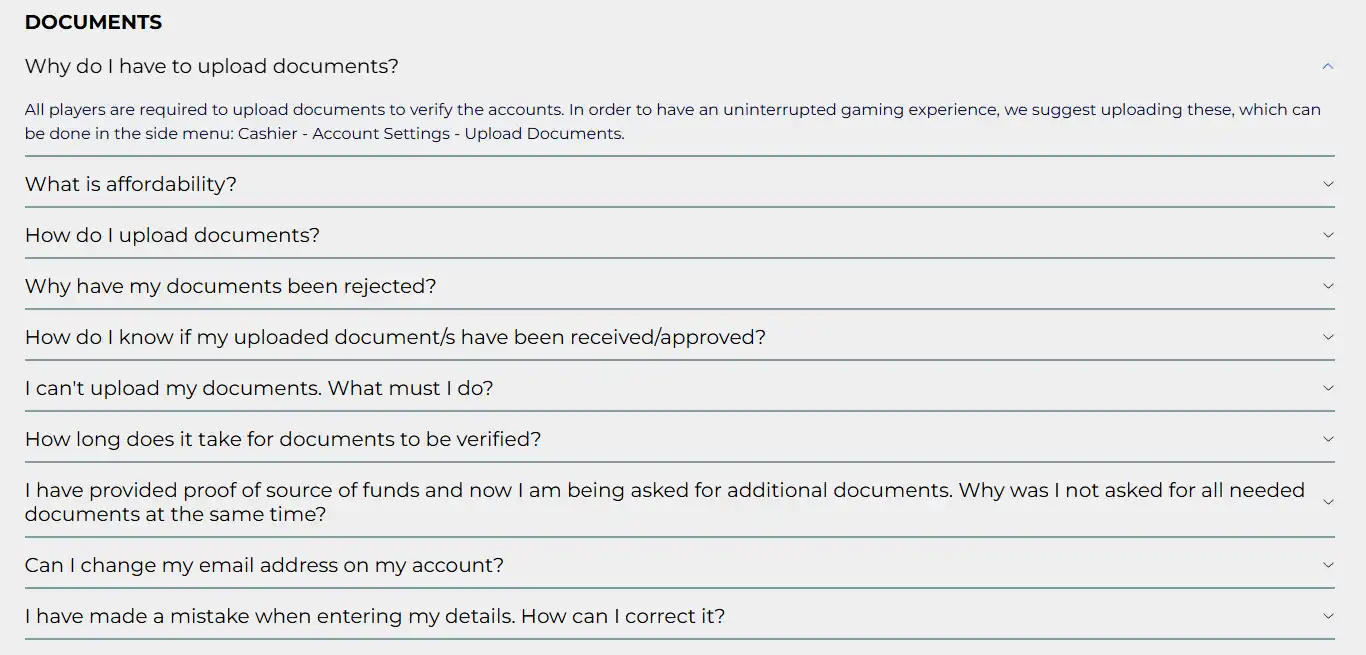
Once installed, the app is tied to the same Slingo service rather than creating a second gambling identity. Use your normal account details and treat any verification request as an account-level process. If you are still deciding whether to register, the full Slingo UK review gives the wider picture before you install anything.
Installing Slingo on Android
Android users can find the official Slingo app in Google Play’s GB storefront under Skill On Net Ltd. The current listing identifies it as a real-money gambling app for adults and describes the Slingo, slots and bingo content available through the product.
Android compatibility is more fragmented than Apple’s because phones and tablets vary widely in manufacturer, operating-system version and hardware. The practical test is therefore the Google Play listing on your actual device. If Google Play marks the app as compatible, install from there rather than downloading an unofficial APK from a third-party site.
Using the official store route also gives you a clearer chain of publisher information and update history. That does not make every app experience perfect, but it reduces the risk of installing a package whose origin you cannot verify.
What can you play in the Slingo mobile app?
The app’s strongest differentiator is still Slingo itself. The official store listings highlight more than 40 Slingo Originals and name examples such as Slingo Rainbow Riches, Slingo Starburst, Slingo Deal or No Deal and Slingo Wild Adventure. These games combine slot-style reels with a bingo-style number grid, which is the format the brand is built around.
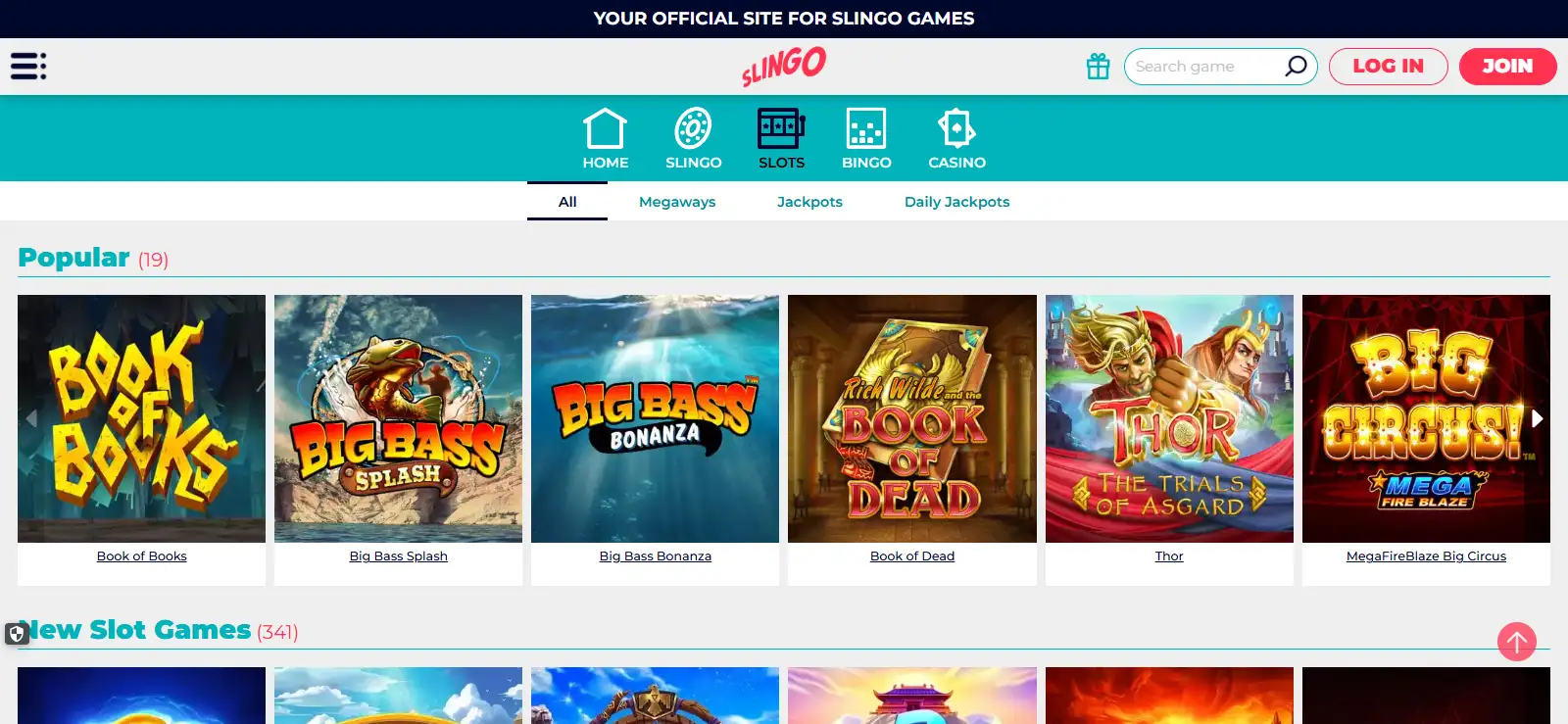
Slots are another major category. The current app-store descriptions advertise a large slots catalogue and name titles including Bonanza, Book of Dead, Fluffy Favourites and Fishin’ Frenzy. Rather than treating a store marketing count as a permanent inventory number, use the Slingo slots guide to understand the category and check the live lobby for today’s catalogue.
Bingo also carries over to mobile. The official listings describe live bingo rooms and several formats, including 90-ball, 75-ball and faster variants. The dedicated Slingo bingo page explains how those rooms fit alongside Slingo and casino games without repeating the entire mobile discussion here.
Slingo’s game mix also includes live casino and table games. Individual titles can rotate, and device or screen-size differences can affect what feels practical to play. Category access is relatively stable, while the live lobby shows whether a particular game is available now.
Slingo Originals make more sense on mobile than a generic casino list
A generic casino app can feel like a long catalogue squeezed onto a small screen. Slingo’s own format is better suited to mobile scanning because the core mechanic is visually compact: a grid, reel outcome and clear matching objective. That does not mean every title is identical, but it helps explain why the brand can make its Originals prominent without relying only on conventional slot browsing.
If Slingo Originals are your main reason for considering the app, start with the Slingo Originals guide. It separates the hybrid game mechanic from ordinary slots, which is useful before you judge whether the app’s identity is genuinely different from other casino apps.
Discover more features, game categories, and expert tips on our top Slingo site for UK players.
Native app versus mobile browser
The native app is the clearest choice if you use Slingo frequently on one phone and prefer launching it from the home screen. Store distribution also gives you a familiar update mechanism and an explicit developer identity. For occasional access, however, a mobile browser can be simpler because there is nothing to install and no app storage to manage.
These are usability choices rather than separate casino products. The key account questions – verification, payments, safer-gambling controls and eligibility – remain tied to the Slingo service. Do not assume an app changes the underlying rules just because the interface looks different.
A browser route can also be useful when you are checking the service from a secondary device. The trade-off is that browser tabs can be easier to close or lose, while a native app tends to feel more persistent. Choose based on how often you play and how deliberately you want gambling access to appear on your phone.
Mobile payments and account access
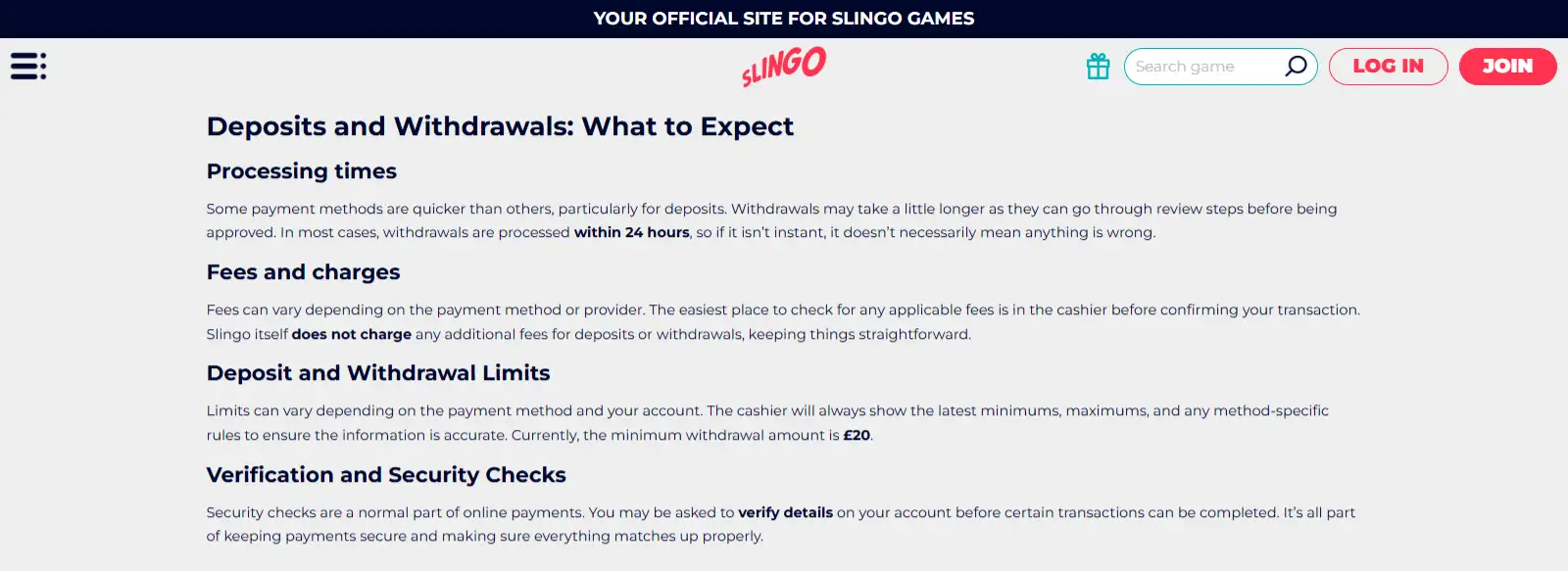
Slingo’s UK payment mix includes debit cards, PayPal, Trustly, Skrill, Paysafecard, Payz/ecoPayz and Apple Pay, subject to cashier availability. On mobile, Apple Pay is an obvious convenience for supported Apple users, but it should not be mistaken for a guarantee about withdrawal routing. The cashier determines which options are available for deposits and cashouts on your account.
If mobile banking is important to you, review the Slingo payment methods page before making the first deposit. The best deposit method is not necessarily the one with the shortest tap sequence. It is the one whose ownership details, withdrawal route and budgeting implications you understand.
App bonuses: read the offer, not just the store copy
The current UK app listings promote the same broad new-player routes covered elsewhere on this site, including free spins, a match bonus and bingo tickets. App-store descriptions can show current promotions, but read the full current terms before depositing.
That distinction matters because a welcome offer can have a minimum deposit, code, wagering condition, qualifying game and expiry window. The Slingo bonus guide compares the current choices, while the app page stays focused on mobile access. If an offer changes, judge it by the current terms rather than assuming an older offer image still applies.
Usability checks that matter on a gambling app
When testing the app, focus on tasks you will actually repeat rather than the first impression of the home screen. Can you find the game categories you care about quickly? Is the account balance visible without dominating the screen? Can you reach transaction history, safer-gambling tools and support without hunting through multiple promotional panels?
Also test how the app behaves when interrupted. Mobile sessions compete with calls, messages, low-battery warnings and network changes. A polished casino interface should make it clear whether a game round has completed and where to find the result after reconnecting. This is a practical usability point, not a claim that every title behaves identically.
Finally, consider whether installing a gambling app makes access too frictionless for your own habits. Convenience is not automatically a benefit. If having a one-tap icon encourages unplanned sessions, the browser version may be the better personal choice even if the native app is technically smoother.
Security and publisher checks before installing
Use the official store listing and verify the publisher name before installation. For the UK real-money Slingo app, the developer shown by both Apple and Google is Skill On Net Ltd. That is a simple but valuable check because similarly named games exist in app stores.
Do not install APK files offered by unrelated download sites, and do not enter casino credentials into an app whose publisher you cannot match to the official listing. Biometric features, device-level guarantees and other security functions should only be assumed when they are shown in the app or official store information.
For the operator and regulatory picture behind the product, use the Slingo safety and reputation guide. Official app-store availability confirms the mobile product, while licensing, payments and account terms should be considered separately.
Who is the Slingo app best for?
The native app makes the most sense for a UK player who already wants Slingo’s hybrid games, slots or bingo and expects to use the service repeatedly from the same phone. It gives direct access through the operating system’s app ecosystem and keeps Slingo separate from ordinary browser tabs.
It is less compelling if you only plan to visit occasionally, use several devices or prefer to add deliberate friction before gambling. In those cases, mobile web access can be the cleaner option. The decision is not about which route is universally “better”; it is about whether the permanent app icon, update cycle and device integration fit how you want to manage access.
Bottom line
Slingo has official UK apps for both iOS and Android, with Skill On Net Ltd identified as the developer in both stores. The app gives mobile access to the brand’s core Slingo experience plus slots and bingo, with the wider service also supporting live casino and table games. Individual catalogue availability can change, so check the live app rather than treating any historical title count as fixed.
Use the official Apple App Store or Google Play listing, confirm the developer, and choose native app versus mobile browser based on your own usage habits. If you want to compare the content before installing, start with the game library overview.
Prepared by the Slingo editorial staff.